Touchdown alerts
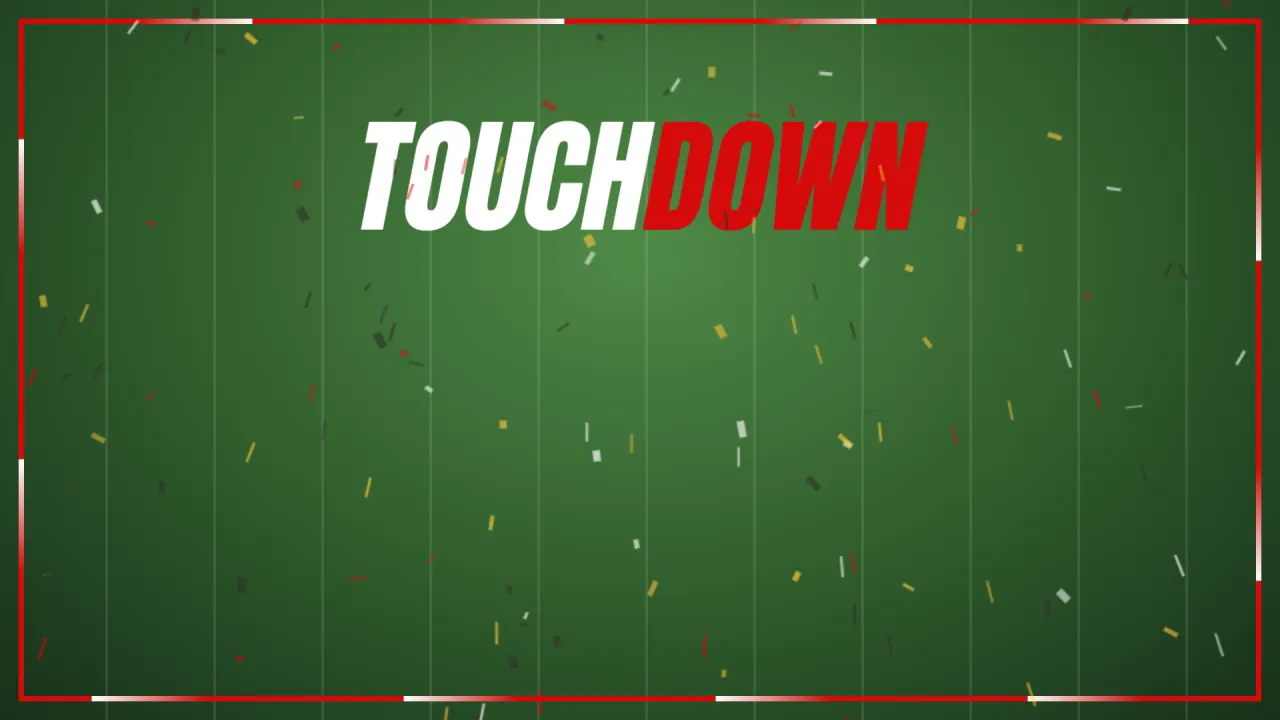
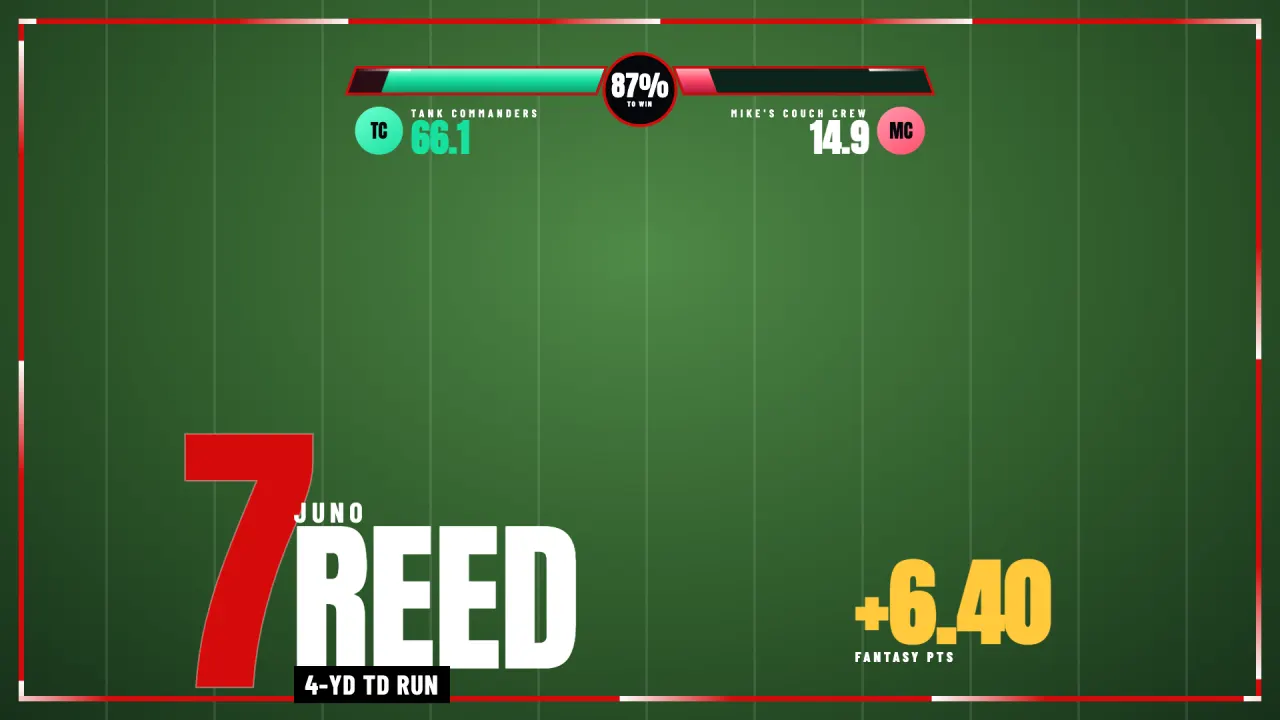
Your player scores, the screen celebrates: who it was, how it happened and exactly how many points it was worth to you.
Live on your TV · ESPN fantasy football
Stop checking your phone every play. Fantasy Feed puts your matchup on the TV, and the moment your player scores, the touchdown, the points and the swing in your win chances pop up right over the broadcast.
Made for Sundays
The broadcast shows the game. Fantasy Feed shows your game: only your players, only your matchup, right where you're already looking.
Your player scores, the screen celebrates: who it was, how it happened and exactly how many points it was worth to you.
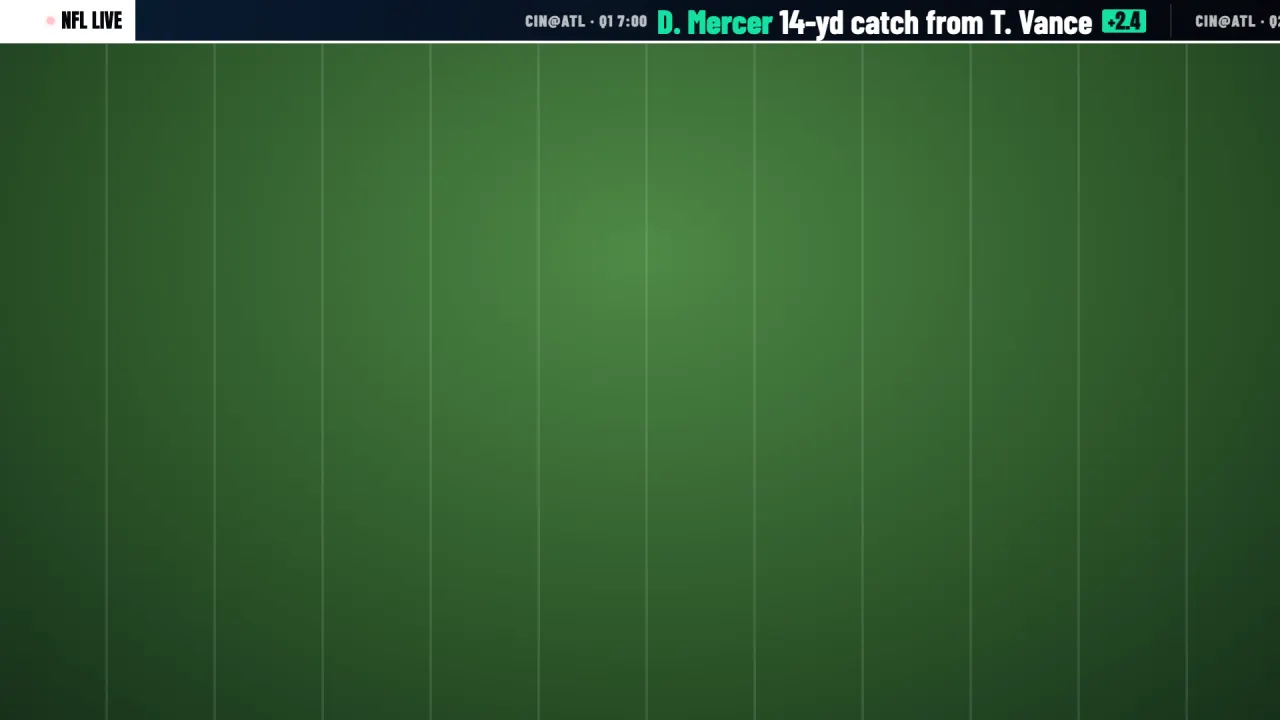
A slim banner along the top of the screen with every play from your team, across every game in the window, not just the one you're watching.
Fighter bars at the top of the screen show your score against your opponent's and your chance to win, and they swing with every play.
Streams run behind live TV. Set the TV delay from your remote, 5 to 90 seconds, and Fantasy Feed waits so the alert lands with the play, not before it.
Sound, confetti, screen shake and the live banner: turn each one on or off from the TV remote, any time.
It sits on top of whatever app is playing on your Google TV. Keep your remote, your channel and your couch.
How it works
No phone propped on the armrest, no second screen, no account sharing. Set it up once before kickoff.
Pay once with card, Apple Pay or Google Pay on our secure checkout. Your setup email arrives right away.
Paste your league's address. Public leagues link instantly; private leagues need two values from ESPN, and we walk you through finding them.
Download the Fantasy Feed app straight to your Google TV (how), type the code it shows into your account, and choose Start. Then put the game on.
Public or private
Most leagues are private, so we built the linking page for them first.
The look
A light frame and a big headline in the colours of the team that scored, a magazine-style player card, and your matchup at the top. Then it gets out of the way.
Pictures from the Fantasy Feed TV app over a drawn field, with made-up players.
Pricing
Pay once, use it every week through your league's championship. No subscription to remember to cancel.
One pass covers one TV. Each pass belongs to the account that bought it, and there's nothing to share or pass on. Got a new TV? Move your pass to it from your account and the old one switches off.
Secure checkout by Stripe. For one Google TV or Android TV device.
Questions
A TV with Google TV or Android TV (including a Chromecast with Google TV plugged into any TV), an ESPN fantasy football league, and a phone or computer for the two-minute setup.
Not yet. Fantasy Feed draws over the picture, which today only Google TV and Android TV allow. A Chromecast with Google TV is the easiest way to add it to any TV with an HDMI port.
Right now Fantasy Feed works with ESPN fantasy football leagues only, public or private.
Yes. After you buy, the linking page asks for your league's address and then two values ESPN keeps in your browser while you're signed in (called espn_s2 and SWID). The picture guide shows exactly where to find them. You need a computer for this step, not a phone. We never ask for your ESPN password.
Streaming apps often run 30 seconds to a minute behind. Set the TV delay from your remote (off, or 5 to 90 seconds) and alerts wait that long before they appear.
No. A pass runs on one TV at a time, and it belongs to the account that paid for it. There's nothing to pass around: no gift codes or share links. If you replace your TV, move the pass from your account: the old TV stops and the new one starts. Each TV you want Fantasy Feed on needs its own pass.
No. Once your TV is paired, it gets your updates by itself over the internet.
Fantasy Feed is a direct download from us, not from an app store. On your Google TV you install the free Downloader app, type our short address, and install. It takes about three minutes once, and the install guide walks you through each step.
Tell us within 7 days of buying and we'll refund you in full. See the terms.
No. Fantasy Feed is independent and not affiliated with or endorsed by ESPN, Disney or the NFL. It reads your league the way ESPN's own site shows it, and never changes anything in it.
Kickoff is coming
Get your Season Pass now and have Fantasy Feed on your TV before the next game starts.
Get the Season Pass · $14.99